
A detailed FAQ guide to turning recipes into shopping lists, covering smart grocery lists, merged ingredients, weekly planning, CookBook workflow, mistakes to avoid, and synced shopping.
Product evidence
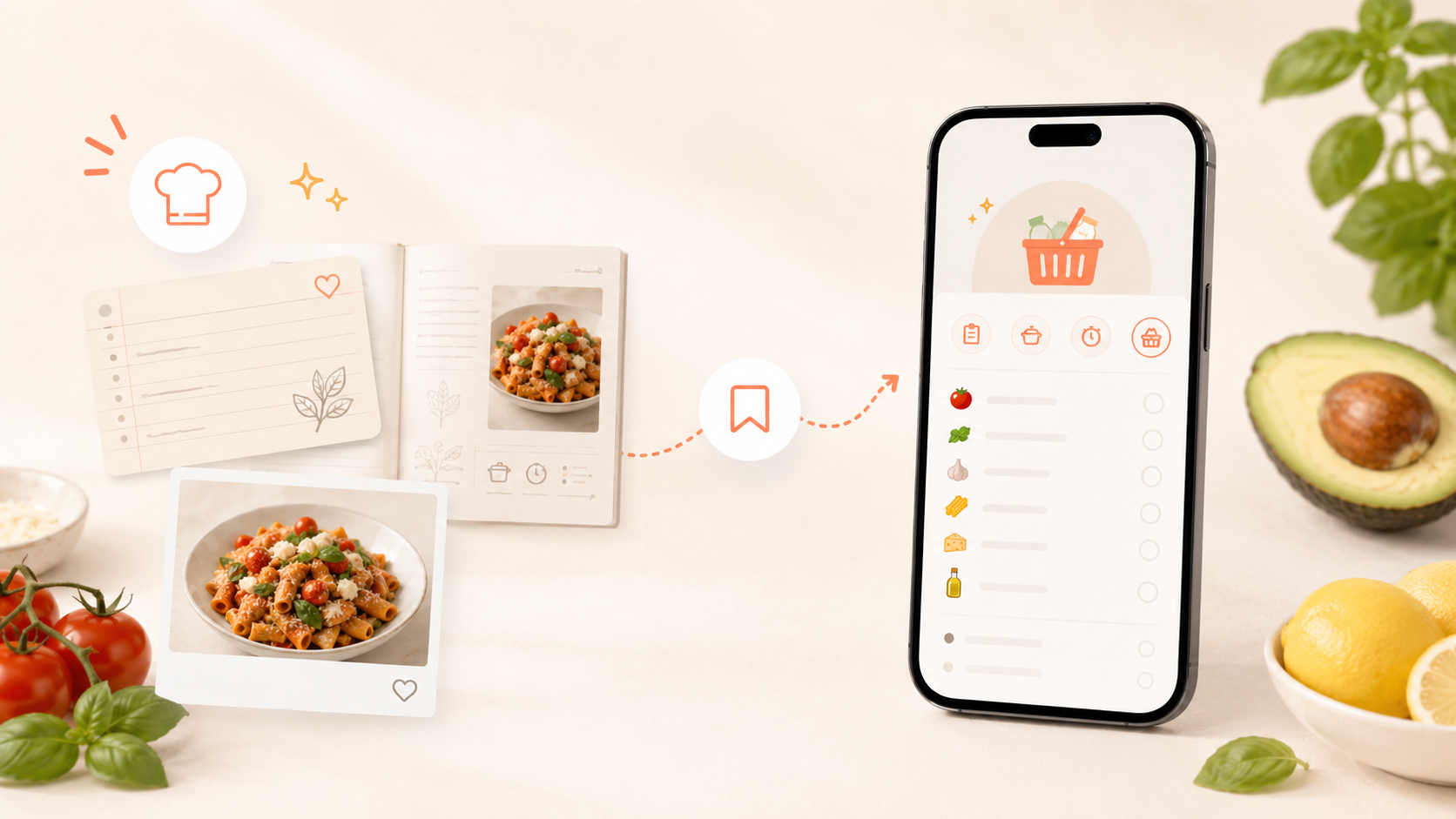
These are real CookBook product screens. They show how an imported recipe moves into an organised collection and then into a practical shopping list.
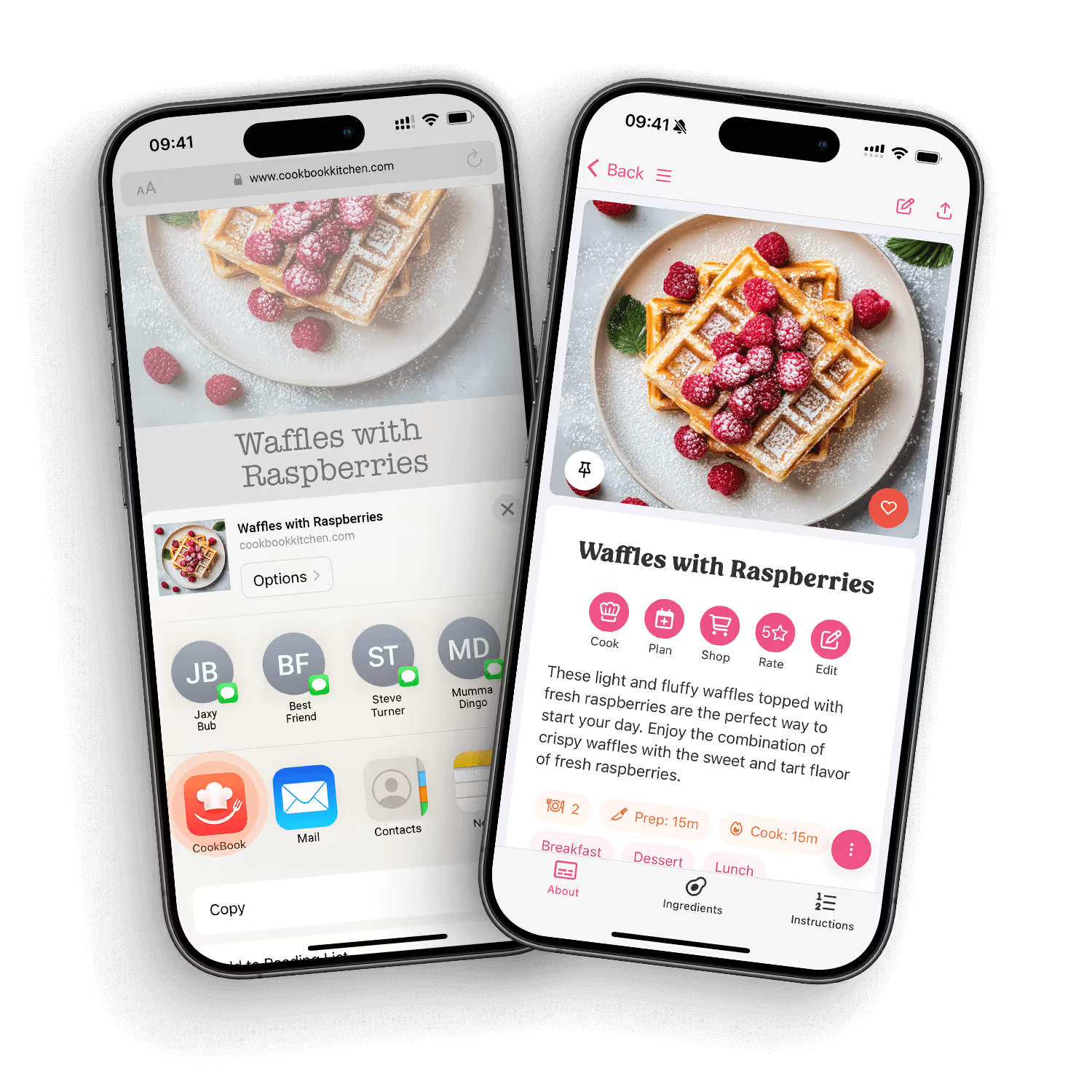
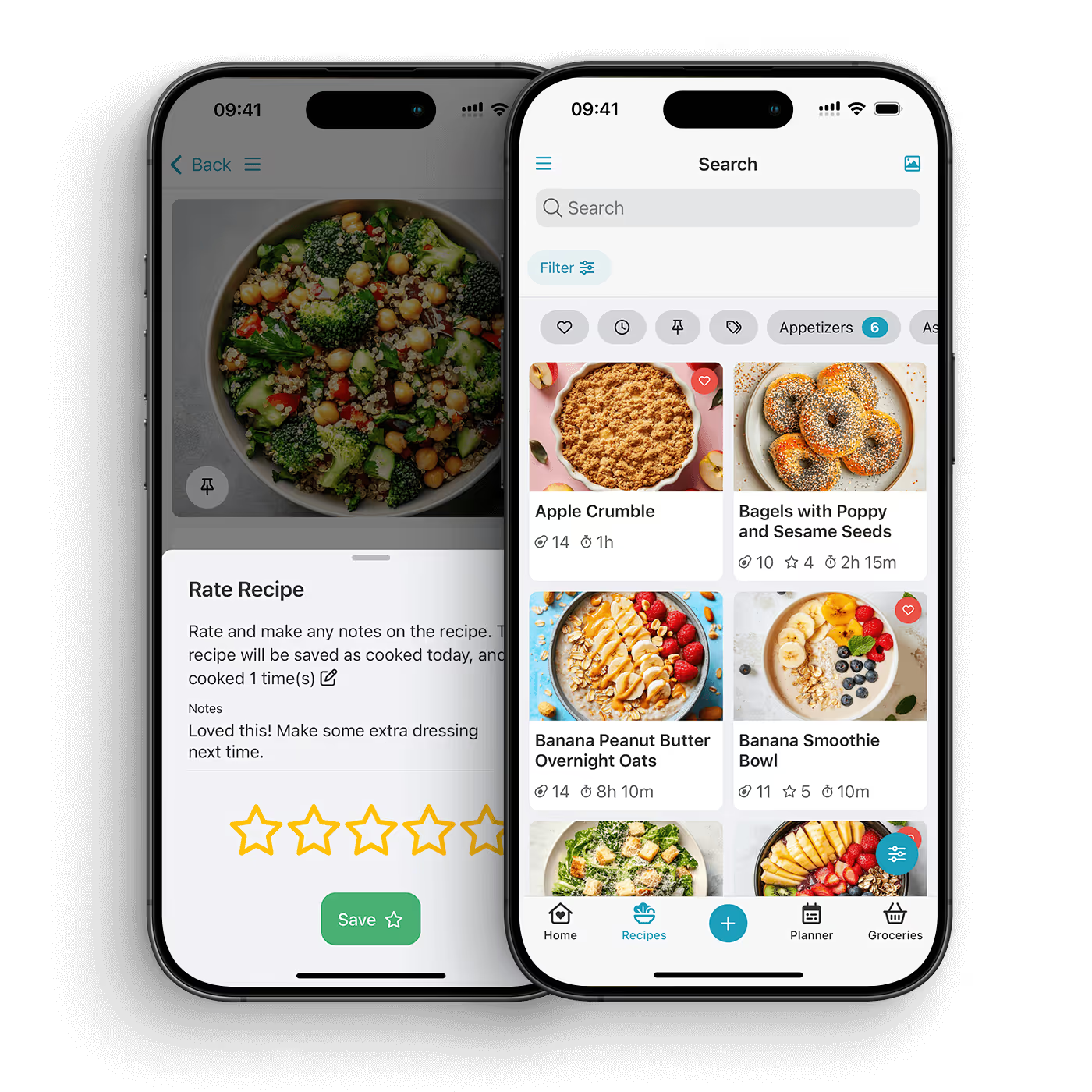
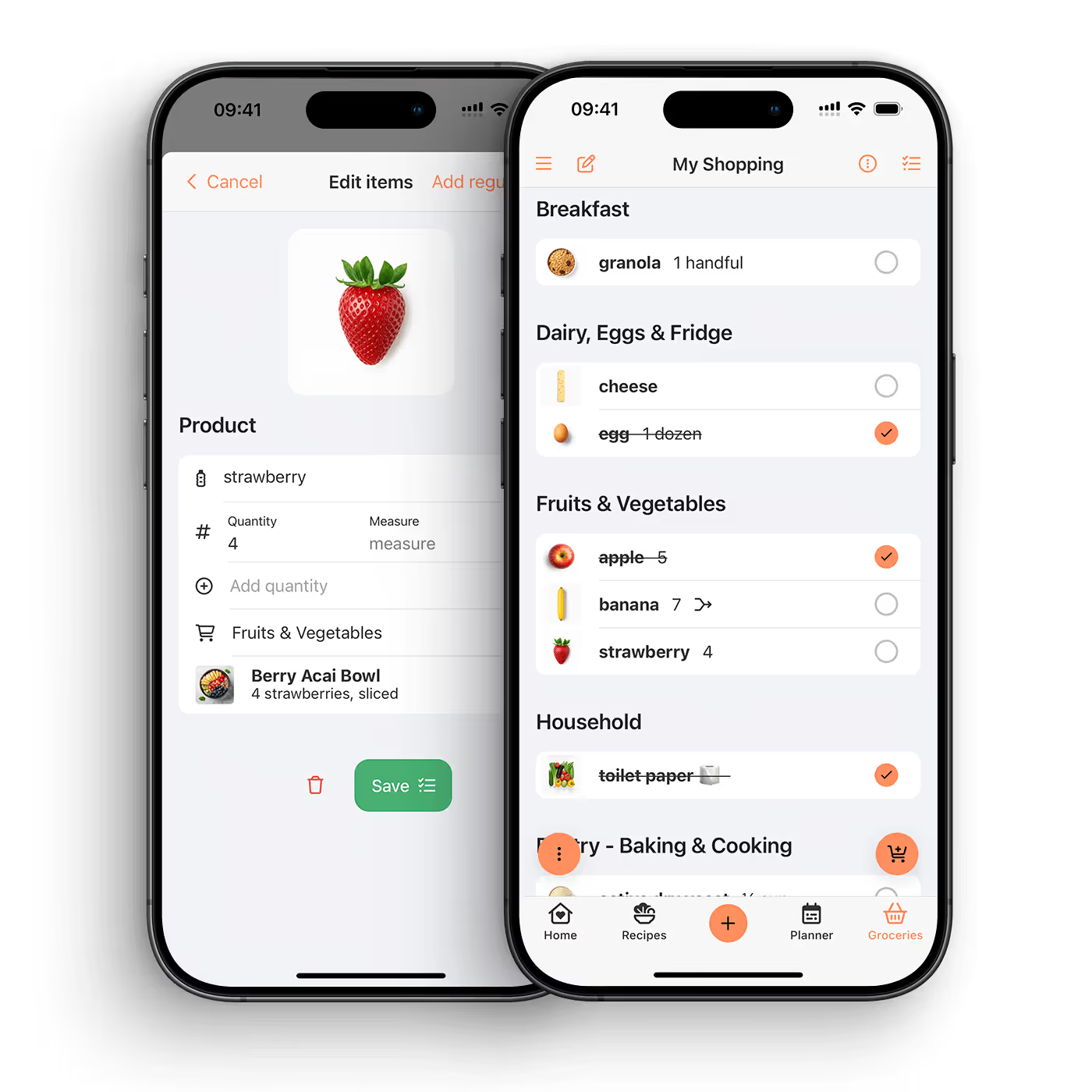
To turn recipes into a shopping list, save your recipes in a recipe manager, choose the meals you want to cook, then generate one list from the ingredients. CookBook helps you do this by connecting saved recipes, meal planning, and smart shopping lists that merge ingredients and stay synced across devices.
A manual shopping list starts from memory. A recipe shopping list starts from what you actually plan to cook. That difference matters. When your list is built from recipes, you are less likely to forget the small ingredients, buy duplicates, or stand in the aisle trying to remember which dinner needed parsley.
For home cooks, the best workflow is simple: save the recipes, plan the meals, generate the shopping list, then adjust anything you already have at home.
The app should let you add one or more recipes to a shopping list without copying every ingredient by hand. This is the foundation of a good recipe-to-grocery workflow.
If three recipes use garlic, butter, or rice, the list should help you see that clearly. Merging ingredients makes the list easier to scan and reduces duplicate buying.
A generated list should not be locked. You may already have salt, want extra lemons, or need to swap an ingredient. A useful shopping list is automatic when it helps and flexible when you need control.
Many people plan on a laptop or tablet and shop from a phone. A synced list means your planning and shopping can happen wherever you are.
The strongest shopping lists come from your meal plan. When you know what you are cooking this week, the list becomes more accurate and less stressful.
CookBook is built around the plan-then-shop workflow. Save recipes from websites, socials, photos, handwritten cards, or your own notes. Add recipes to your meal plan when you want to cook them. Then use the ingredients to create a smart shopping list that helps bring everything together.
Start with the meals that are actually happening: dinners, lunches, baking, snacks, or family events. Add them to your plan before generating the list.
Use CookBook to create a list from recipe ingredients. This gives you a better starting point than writing from memory.
Before you shop, remove anything you already have. This is where you save money and reduce food waste.
Recipe lists cover ingredients, but you may still need milk, fruit, cleaning items, lunchbox snacks, or staples. Add those before you leave.
Use the list in the store and tick off items as you go. If plans change, update the list rather than starting again.
Yes. CookBook can help turn recipe ingredients into smart shopping lists, especially when you are planning multiple meals at once.
A smart shopping list is a grocery list connected to your recipes and meal plan. It can help merge ingredients, stay editable, and sync across devices while you shop.
Choose the recipes for the week, add them to your meal plan, generate a shopping list from the ingredients, then remove anything already in your pantry.
CookBook is designed to help create smart shopping lists from recipes, including bringing ingredients together so the list is easier to manage.
Yes. A practical shopping list should include recipe ingredients and any extra groceries or household items you need.
Yes, but meal planning usually makes the list more accurate. You can create a list from one recipe, several recipes, or a full week of planned meals.
Yes. CookBook works across iOS, Android, and web, so you can plan on one device and shop from another.
They can help because you shop from meals you actually plan to cook. You still need to check your pantry and adjust quantities, but a recipe-based list is a stronger start than guessing.
Yes. Once a social recipe is saved in CookBook, it can become part of your planning and shopping workflow.
The easiest shopping list is not a blank note. It is a list built from the recipes you plan to cook. CookBook helps you save recipes, plan meals, and shop from a synced list with less copying and less guesswork.
Explore shopping lists or download the app.


