
A detailed FAQ guide to saving Instagram recipes into CookBook, covering Reels, captions, screenshots, tags, meal planning, shopping lists, and why saved posts are not enough.
Product evidence
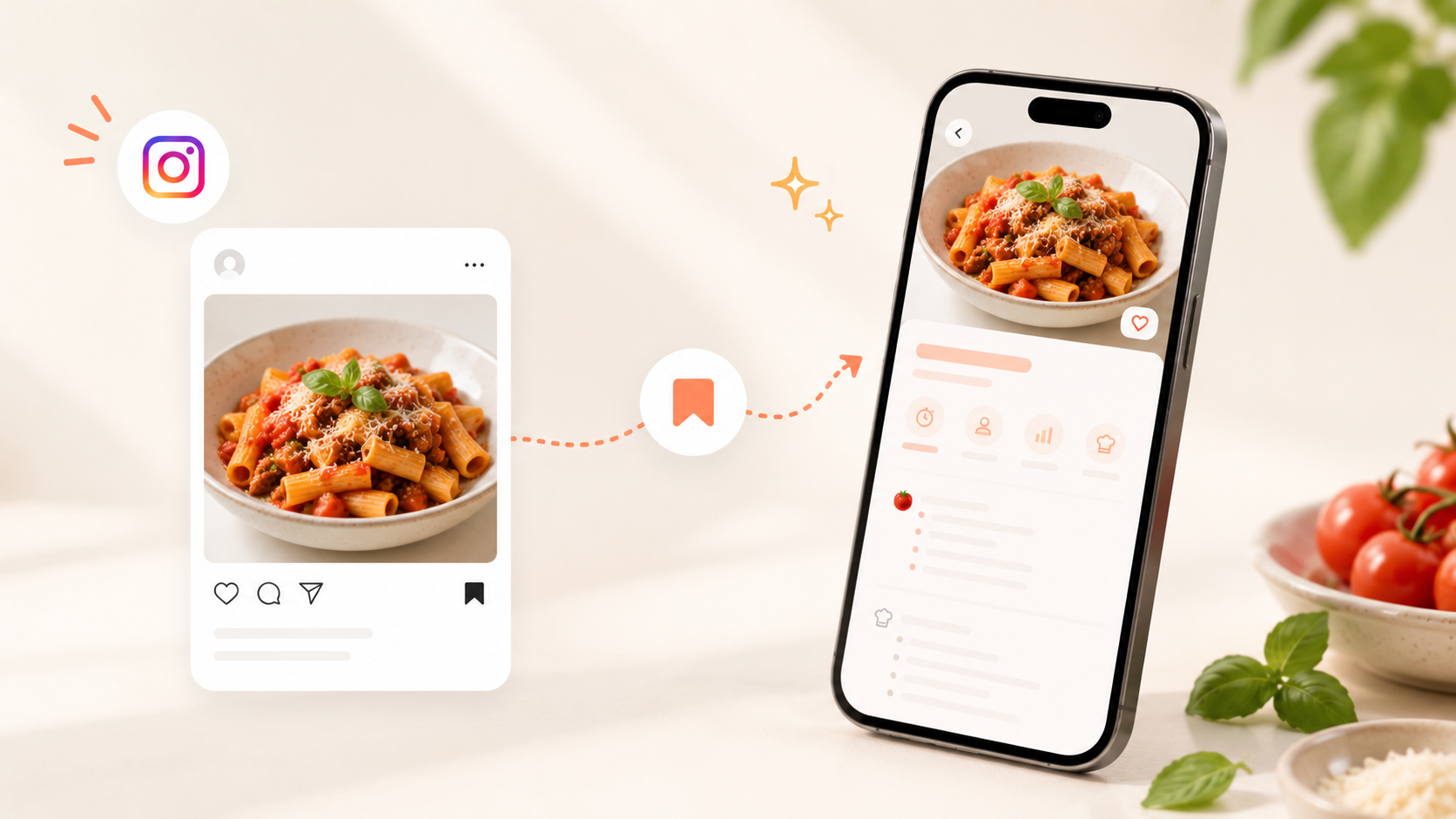
These are real CookBook product screens. They show how an imported recipe moves into an organised collection and then into a practical shopping list.
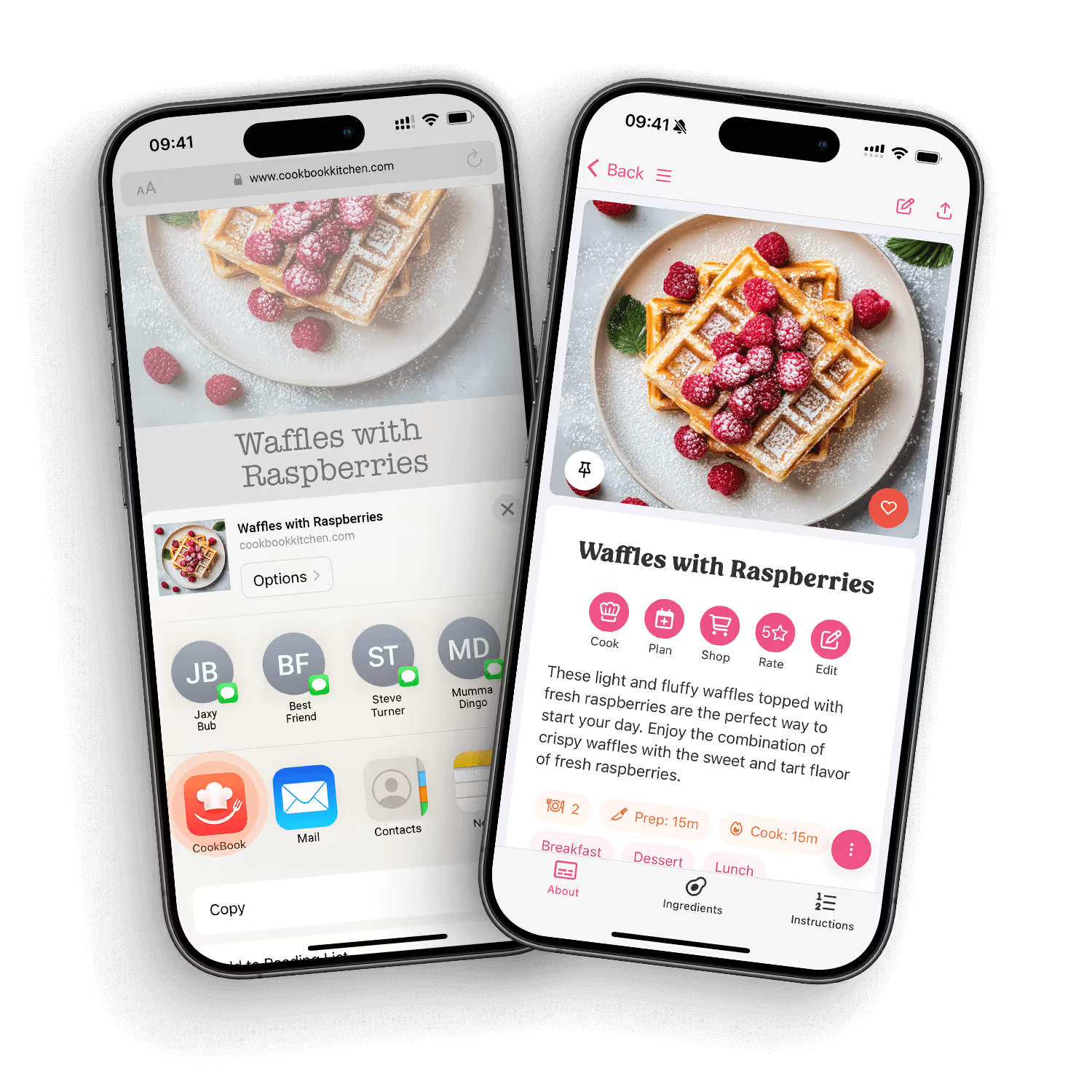
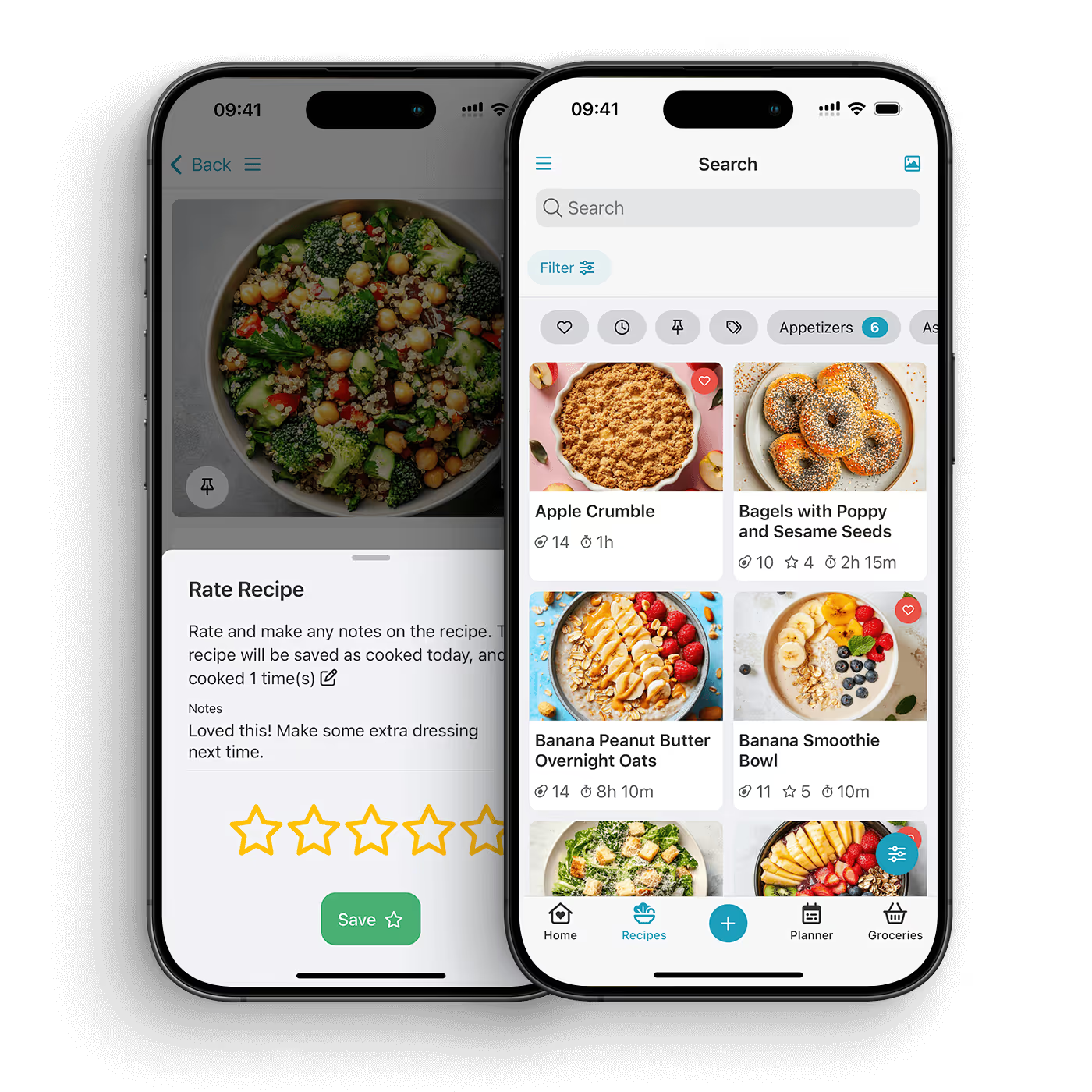
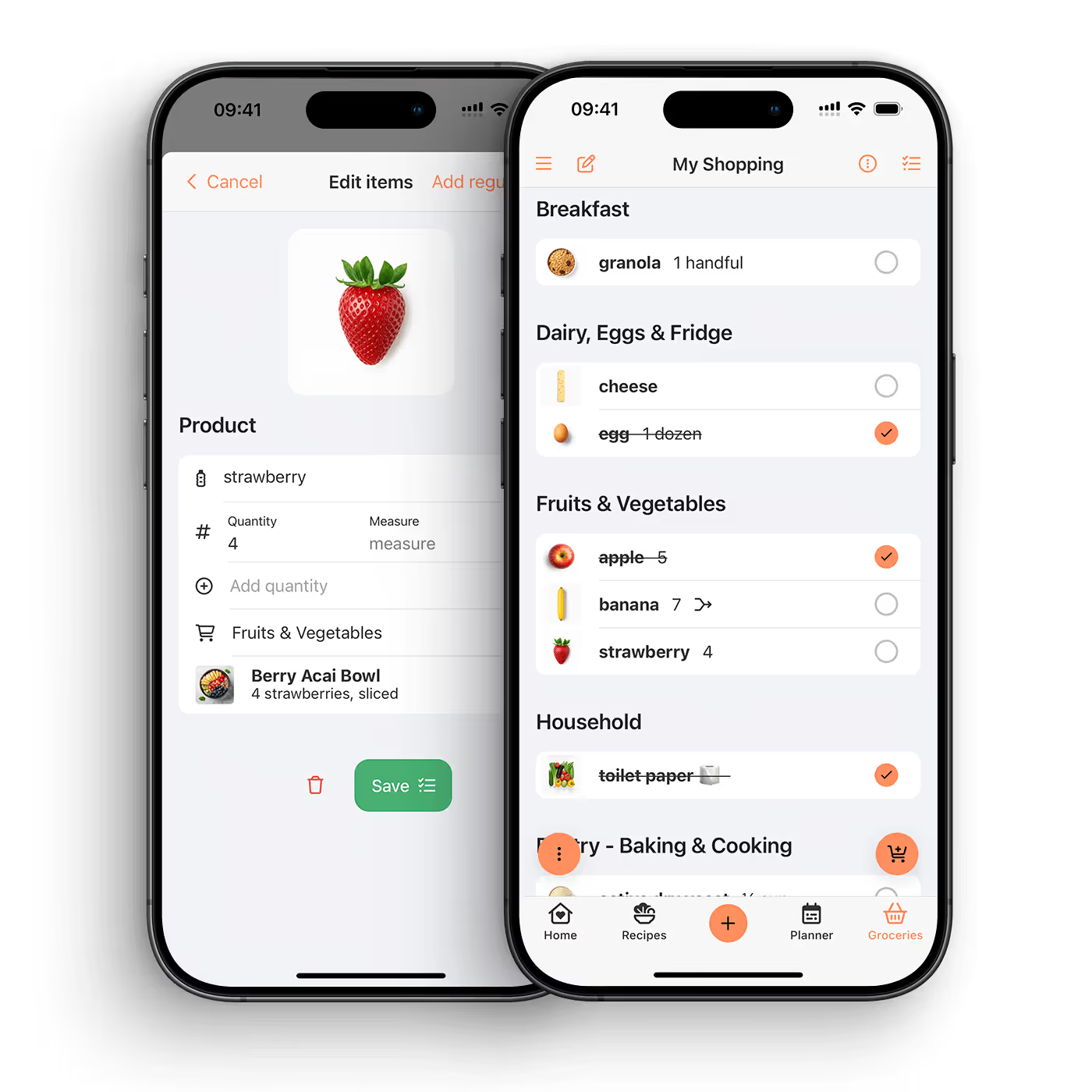
The best way to save Instagram recipes is to move them into a dedicated recipe keeper instead of leaving them buried in saved posts, screenshots, or DMs. CookBook helps you turn Instagram recipe ideas into organised recipes with ingredients, steps, notes, tags, search, meal planning, and shopping lists.
Instagram is great for discovering recipes, but it is not designed to be a reliable cookbook. A recipe might be inside a Reel, written in the caption, continued in comments, linked from a bio, or captured as a carousel. You can save the post and still struggle to find it when you are standing in the kitchen.
A recipe keeper solves a different problem. It gives the recipe a clean home, makes it searchable, and connects it to the rest of your cooking workflow.
A saved post is a pointer back to Instagram. A saved recipe should include ingredients, method, notes, servings, and a title that makes sense later. That is what makes the recipe useful when you are ready to cook.
Instagram recipes are not always tidy. Some are in captions, some are in screenshots, some are split over slides, and some are videos with instructions spoken quickly. A good recipe system should let you clean up the recipe and keep the useful parts.
Search matters because your future self will not remember exactly who posted the recipe. You are more likely to remember the ingredient, cuisine, mood, or meal type: chicken, pasta, lunch prep, vegetarian, dinner party, or family favourite.
The best saved recipes are not just stored; they get cooked. Look for an app that lets you add the recipe to a meal plan and turn ingredients into a shopping list.
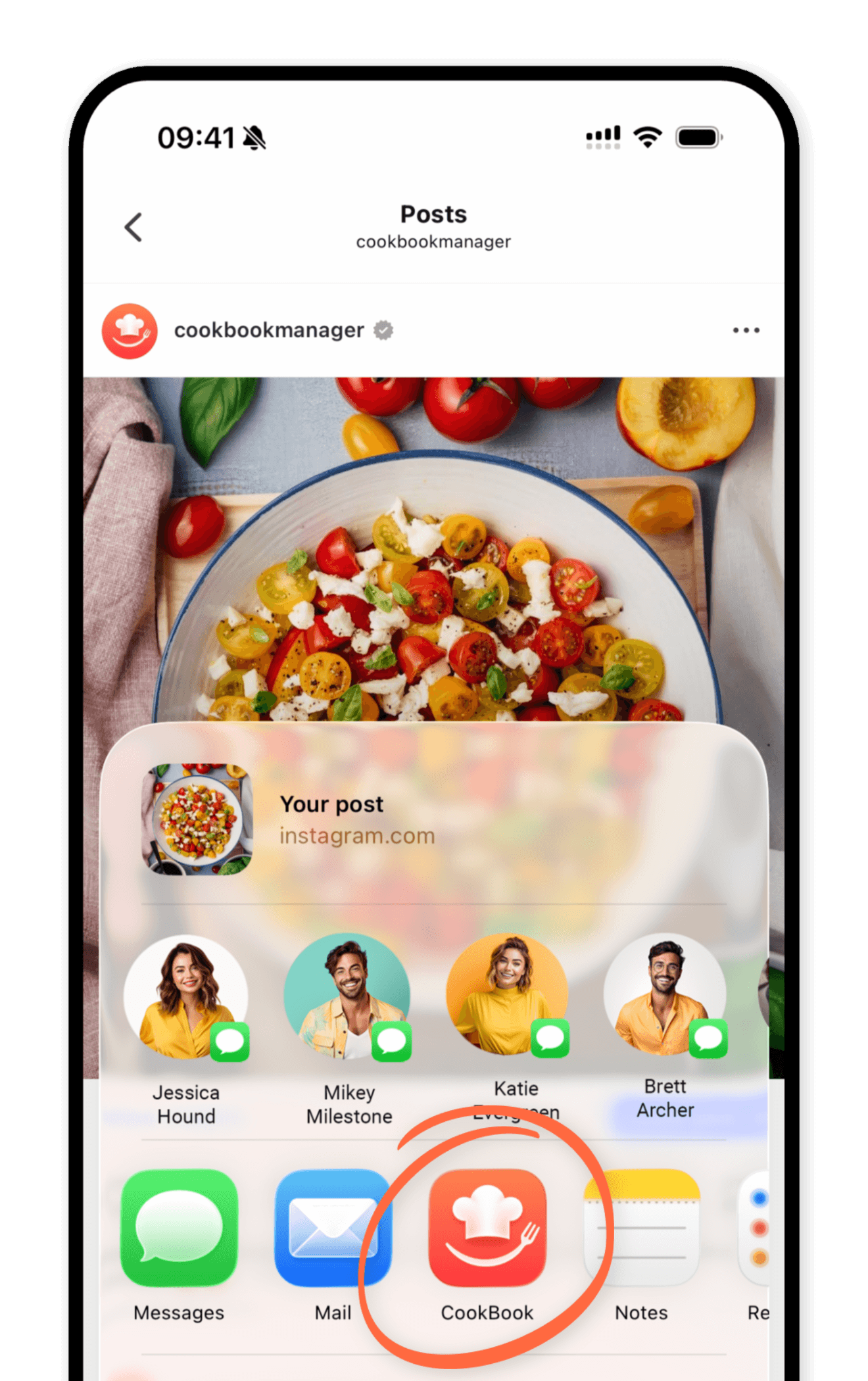
CookBook is a smart recipe keeper for home cooks who save recipes from many places, including Instagram, TikTok, websites, links, photos, cookbook pages, and handwritten cards. Once an Instagram recipe is in CookBook, it can live alongside the rest of your collection.
When you find a recipe you want to cook, save it before it disappears into your feed. If the recipe is in a caption, carousel, link, or screenshot, keep the source handy while you move it into your recipe library.
Turn the Instagram idea into a recipe with a clear title, ingredients, method, notes, and any adjustments you want to remember.
Add tags that match how you cook. Good examples include quick dinner, air fryer, high protein, baking, vegetarian, meal prep, date night, kids, or try soon.
Social recipes often need your own tweaks. Add notes for timing, substitutions, spice level, favourite brands, or what you would change next time.
When the recipe is ready to cook, add it to your meal plan and turn the ingredients into a shopping list. That is where a saved post becomes a real dinner.
Save the recipe idea, then add it to a recipe keeper like CookBook. Store the ingredients, steps, notes, and tags so it becomes searchable and cookable outside Instagram.
CookBook is designed to help with recipes from modern sources, including Instagram, TikTok, websites, links, and photos. The goal is to move useful recipe ideas into one organised recipe library.
Saved posts are hard to search by ingredient, meal type, or cooking plan. A recipe keeper gives each recipe a clear structure and makes it easier to find when you are ready to cook.
Yes. Screenshots can be part of your capture process, and CookBook can help with recipe scanning from photos. The important step is turning the screenshot into a usable recipe.
Yes. Once the recipe is saved in CookBook, you can add it to a meal plan and use it to help build a shopping list.
You can use tags or notes to track source or creator if that matters to you. You can also tag by ingredient, meal type, cuisine, occasion, or family favourite.
Add what you know, then edit the recipe after testing it. CookBook is designed for editable recipes, so your saved version can improve over time.
No. CookBook is built around your personal recipe library. Your recipes are not public by default.
Yes. CookBook can help you save recipes from TikTok, Instagram, websites, links, photos, and more, so you do not need a different system for every source.
Instagram is a discovery tool. CookBook is where the recipes you actually want to cook can live. Save the idea, clean it up, tag it, plan it, and turn it into dinner.
Learn more about saving Instagram recipes or download the app.


