
CookBook is a private recipe manager for your own collection: recipes from socials, websites, photos, cookbook scans, handwritten cards, meal plans and shopping lists. Samsung Food is broader, with recipe discovery, community features and Samsung ecosystem integrations.
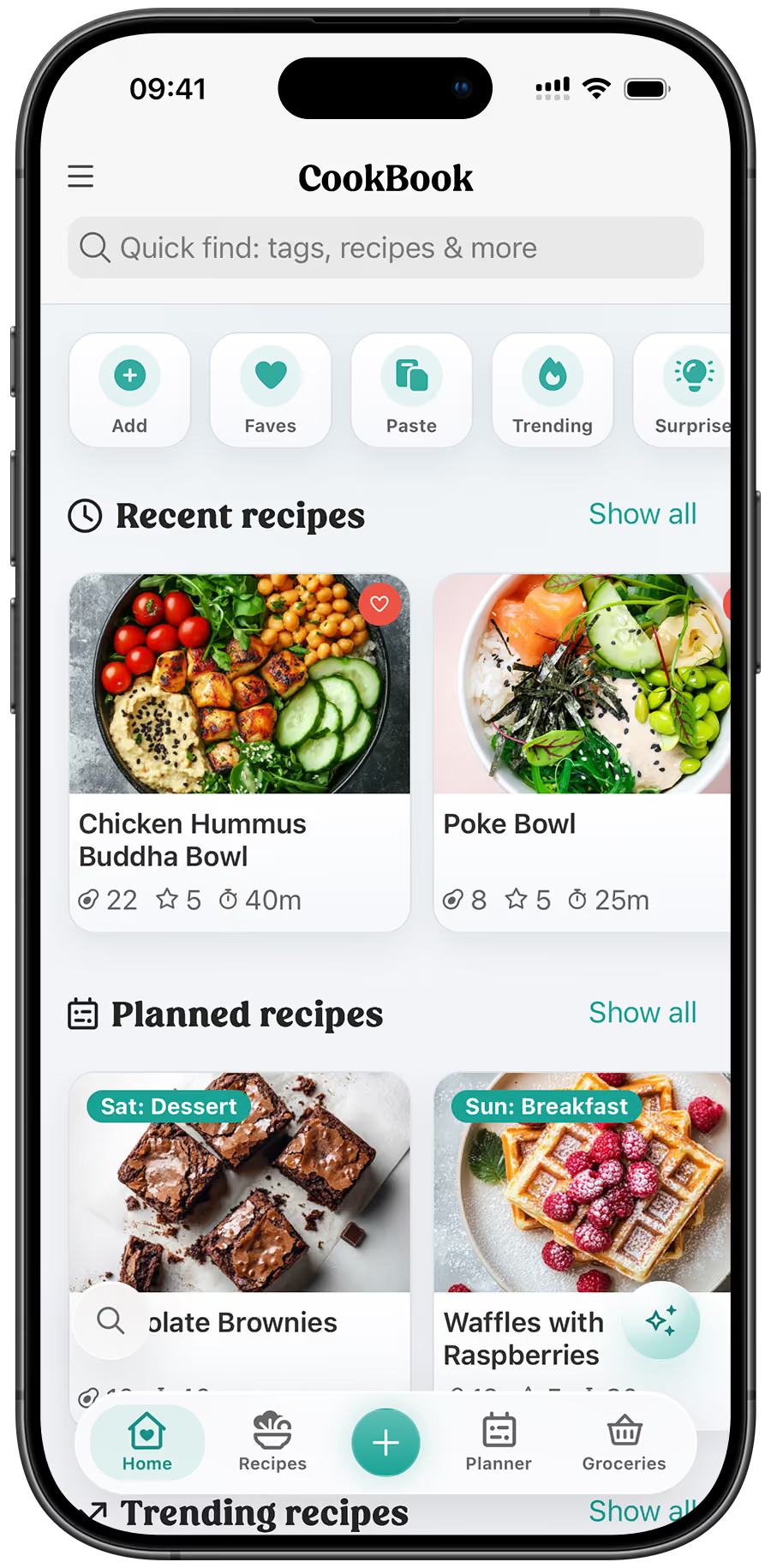

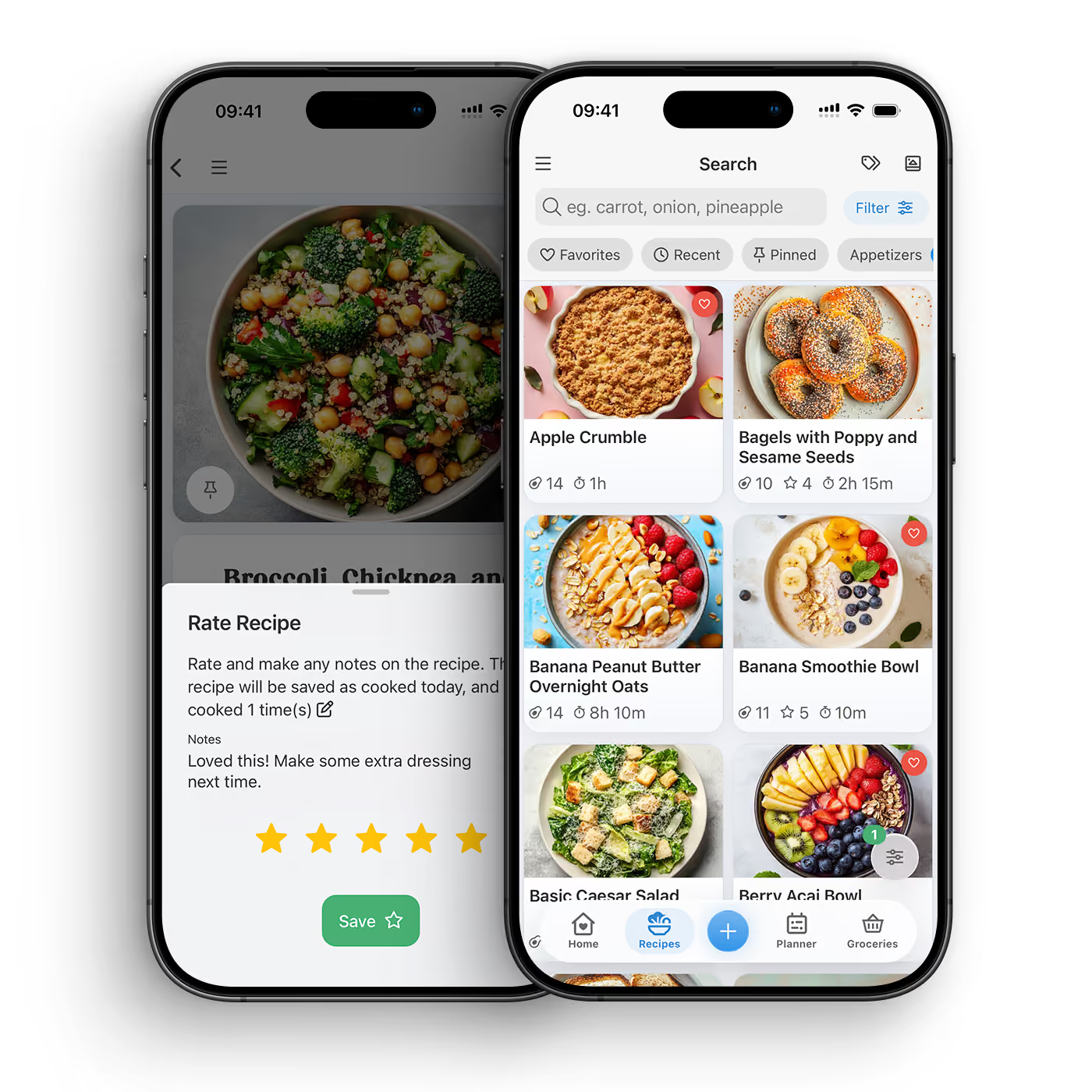
CookBook is the better fit if your priority is saving and organising recipes you already care about. It focuses on your personal cookbook rather than a discovery platform or community feed.
Private recipe keeper. Keep recipes, notes, tags and scans centred on your own library.
Social and web imports. Save supported recipes from websites, Instagram, TikTok and other sources.
Scan old recipes. Bring cookbook pages, clippings and handwritten cards into your digital collection.
Plan and shop. Turn saved recipes into meal plans and practical shopping lists.
Samsung Food may suit you if you want recipe discovery, communities, health goals or smart kitchen integrations. CookBook is more focused on preserving and using your own private recipe collection.
Discovery platform. Choose Samsung Food if browsing recipes and community content is central to your workflow.
Ecosystem features. Samsung integrations may matter if your cooking setup already uses that ecosystem.
Personal archive. Choose CookBook if preserving your own recipes is more important than community discovery.
Less distraction. CookBook keeps the workflow on saving, organising, planning, shopping and cooking.
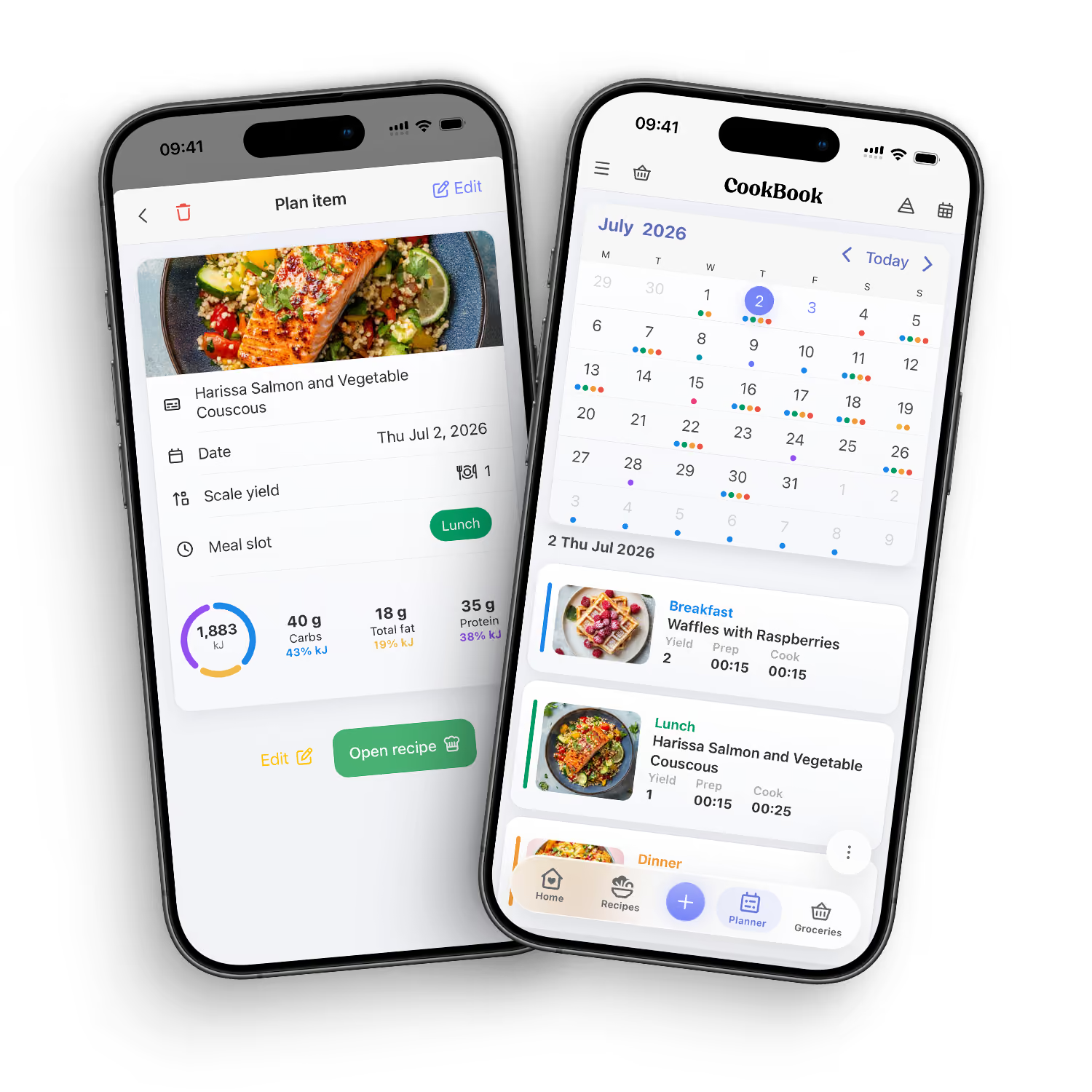
Samsung Food is a broad cooking platform. CookBook is a focused private recipe manager. If you want discovery and community, compare Samsung Food closely. If you want your recipes saved, organised and easy to cook from, choose CookBook.
DOWNLOAD THE APP


CookBook is better if your priority is a private recipe manager for your own collection. Samsung Food may be better if you want discovery, communities, health-focused features or Samsung ecosystem integrations.
No. CookBook is intentionally focused on your personal recipe library rather than a public community feed. That is a benefit if you want less noise and more organisation.
Samsung Food promotes shopping lists and meal-plan-to-list workflows. CookBook also creates shopping lists from saved recipes and meal plans.
CookBook is the stronger fit if your goal is preserving personal recipes from cards, cookbooks, clippings and handwritten notes in a searchable private cookbook.
Yes. CookBook can help save supported recipes from Instagram and TikTok, then organise them alongside web recipes, scans, photos and manually added recipes.
Yes. CookBook is not tied to a Samsung ecosystem. It works across supported iOS, Android and web devices.
Samsung Food may be stronger for discovery and community browsing. CookBook is stronger when you already have recipes you want to save, organise and cook from.
Choose CookBook if you want your own searchable digital cookbook with imports, scans, notes, meal planning and shopping lists.


