
Scan cookbook pages, printed recipes, clippings and handwritten family cards into CookBook. Turn recipe photos into editable, searchable recipes you can organise, plan, shop from and cook across iOS, Android and web.


CookBook's recipe scanner helps digitise recipes from cookbooks, handwritten cards, family notes, clippings and photos. It reads the page into ingredients and steps, then gives you a clean recipe card you can review and edit.
Scan pages. Capture cookbook pages, printed recipes and magazine clippings without retyping every line.
Read handwriting. Bring family recipe cards and handwritten notes into your digital collection.
Review and edit. Check the scan, fix anything that needs a human eye and add your own notes.
Save everywhere. Once saved, scanned recipes sync with your CookBook account across supported devices.
Scanning is only useful if the recipe becomes easy to find later. In CookBook, scanned recipes behave like every other recipe in your library, so you can tag them, search ingredients, add favourites, rate them, plan them and build shopping lists.
Tags and categories. Add the labels that make sense for the way you cook.
Searchable ingredients. Find old recipes by name, ingredient, cuisine or category after they are saved.
Photos and notes. Keep original images, finished dish photos and recipe notes together.
Meal planning. Add scanned recipes to your planner and turn ingredients into shopping lists.
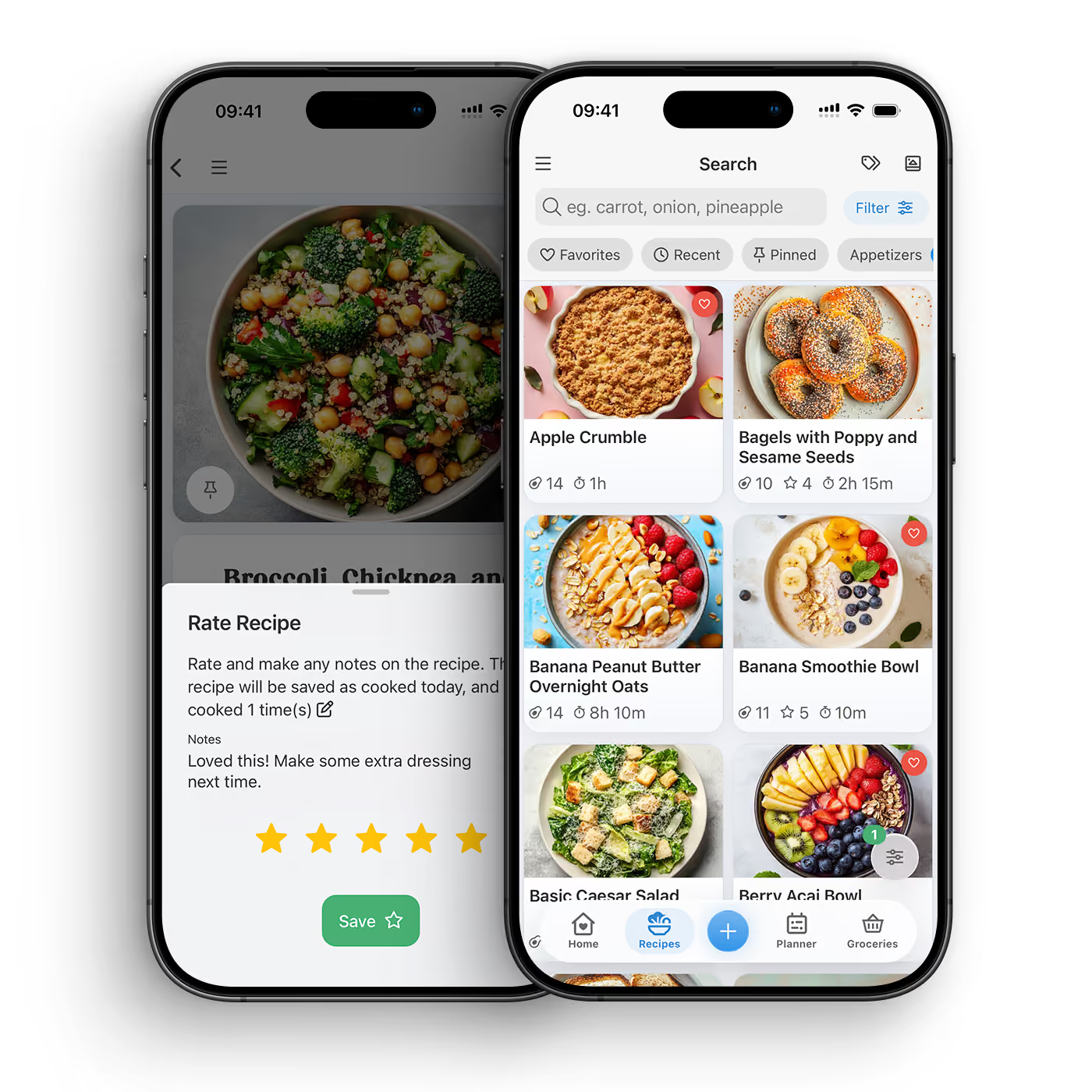
Old recipe cards, marked-up cookbook pages and family favourites are easier to protect when they are stored in a searchable digital cookbook. Keep the recipe's story and your own notes while making it practical to cook again.
DOWNLOAD THE APP


Yes. CookBook can help read handwritten recipe cards and family notes, then you review the result before saving. Handwriting varies, so the best workflow is scan, check, edit and keep the original image for context.
Yes. CookBook is designed for cookbook pages, printed recipes, clippings and recipe cards. It turns photos into editable recipes that can be searched, tagged, planned and added to shopping lists.
Yes. Once a scan is saved as a CookBook recipe, it can be found by recipe name, ingredients, tags and categories, just like recipes imported from websites or social media.
Yes. Scanning saves typing and speeds up capture, but you should still review ingredients, method steps, servings and notes so the saved recipe matches the original.
Yes. Keeping the source photo alongside your edited recipe is useful for handwritten notes, old family cards and cookbook pages where layout or context matters.
Yes. After a scanned recipe is saved in CookBook, you can add it to meal plans, scale it, cook from it and send ingredients to a shopping list.
No. Website imports read a recipe page from a URL, while recipe OCR starts from an image or photo. Both end in the same place: a clean CookBook recipe you can edit and organise.
Yes. CookBook works across supported iOS, Android and web devices, so you can scan on mobile, tidy recipes on a larger screen and cook from a tablet.


