
A detailed FAQ guide to organising family recipes, preserving handwritten cards, scanning cookbooks, adding tags and notes, keeping recipes private, and using CookBook across devices.
Product evidence
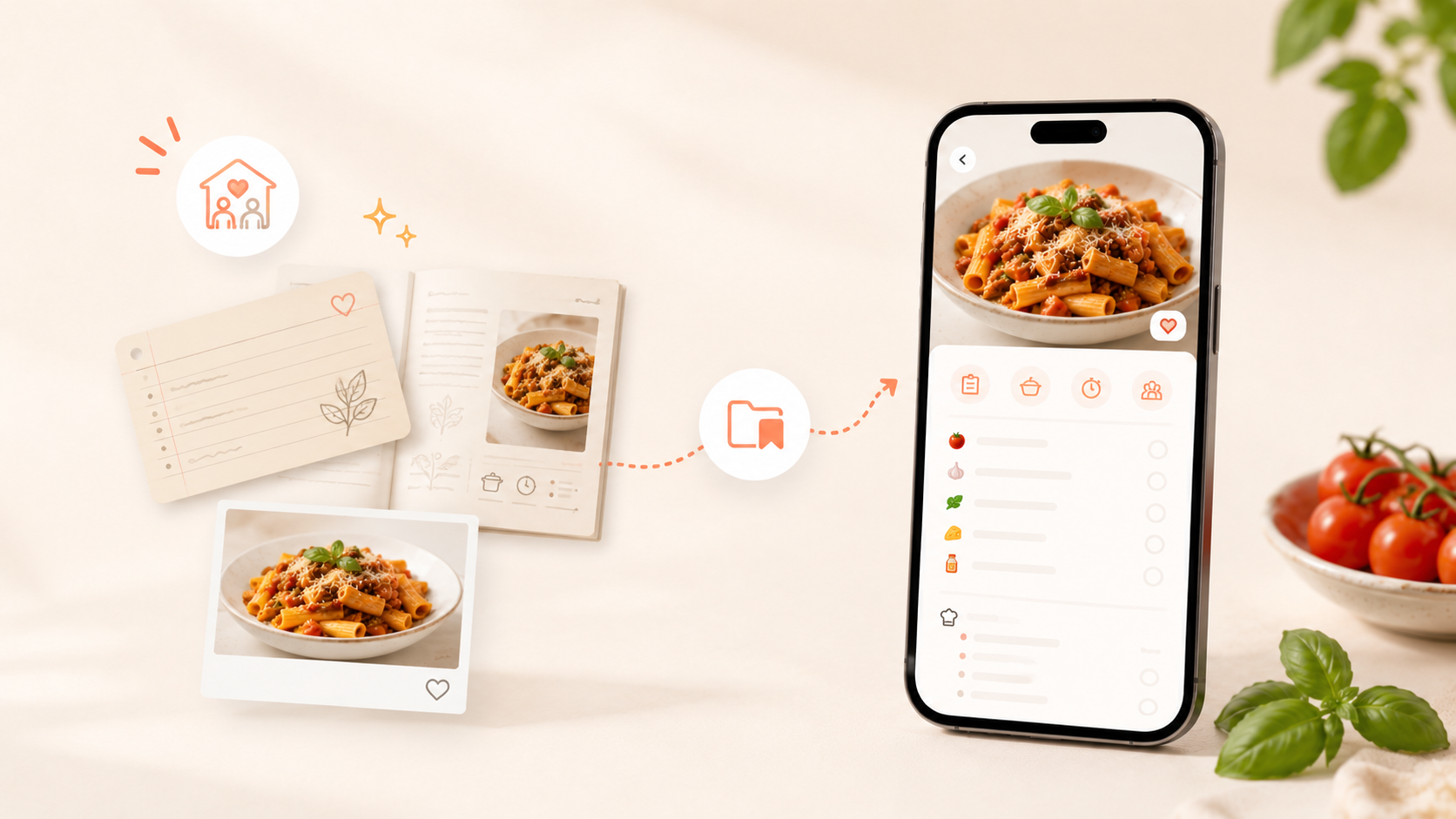
These are real CookBook product screens. They show how an imported recipe moves into an organised collection and then into a practical shopping list.
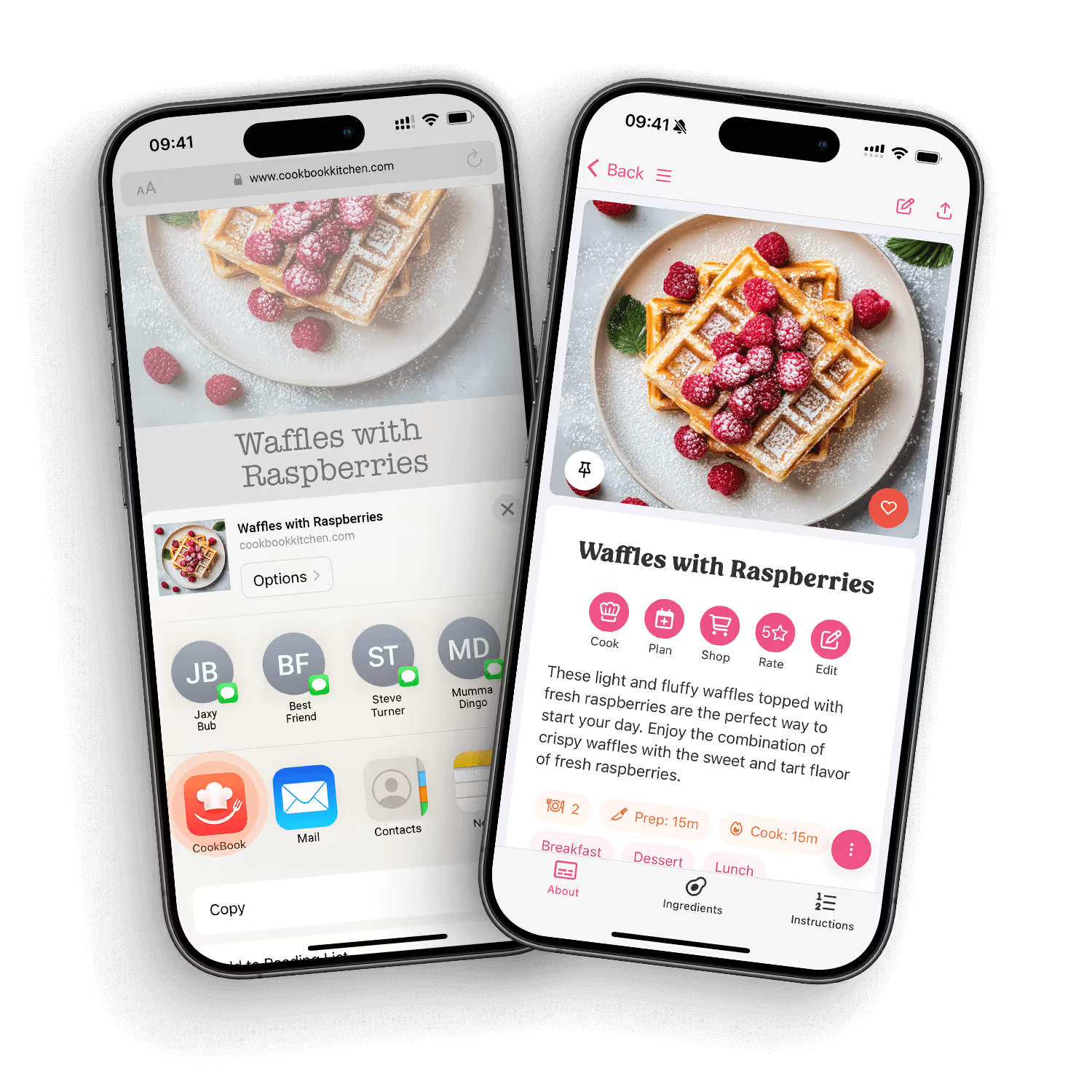
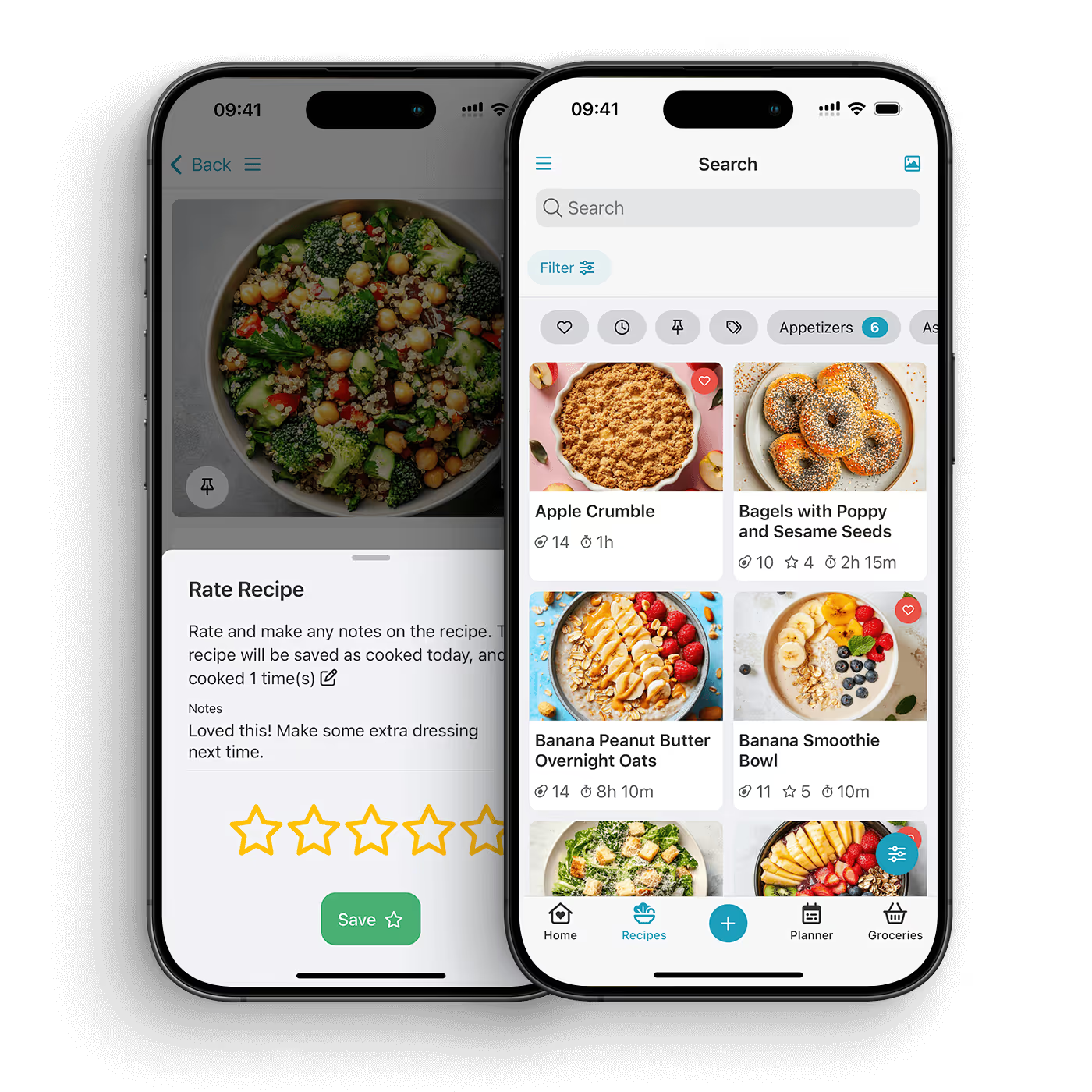
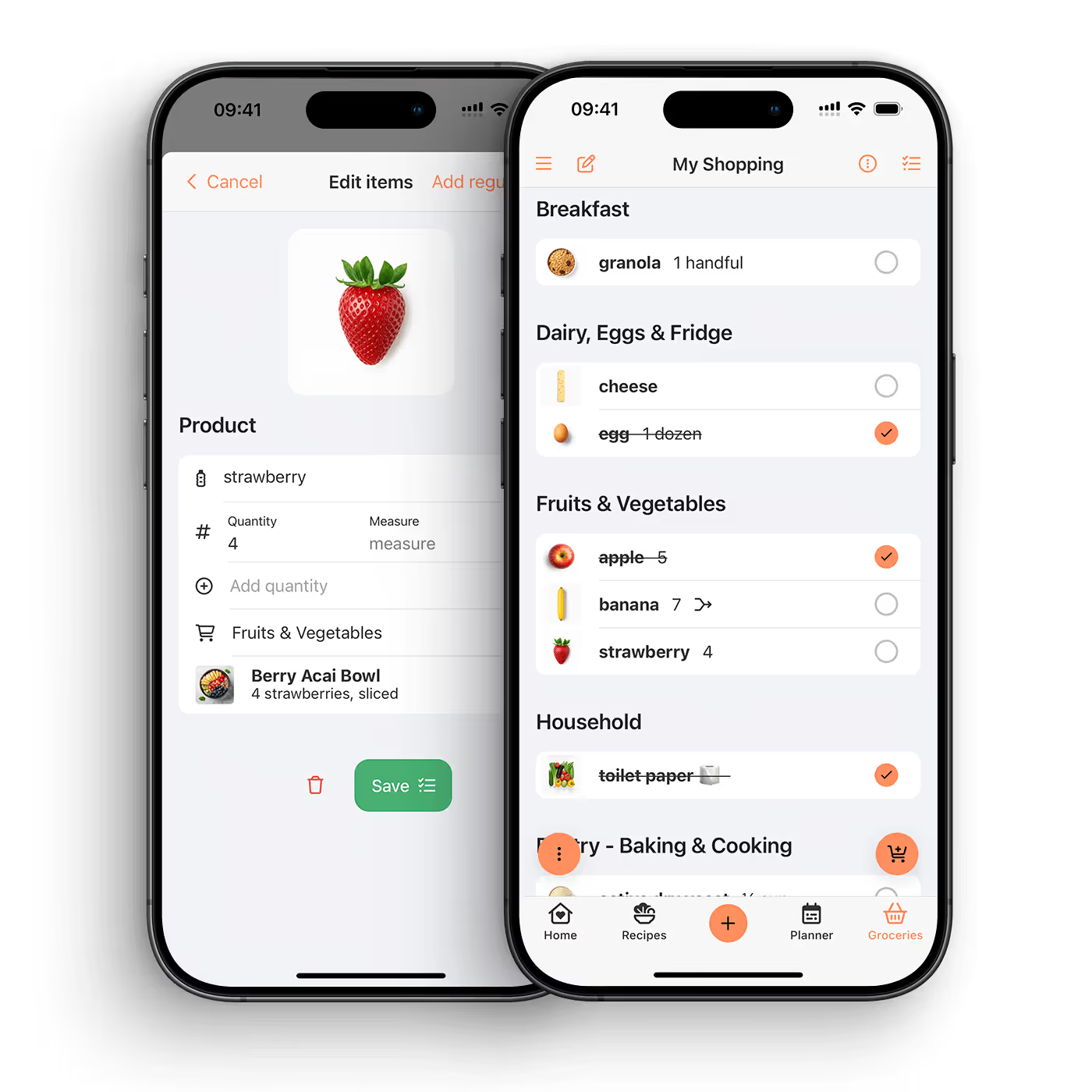
The best way to organise family recipes is to bring them into one private recipe keeper, preserve the original details, make each recipe searchable, and add notes that future cooks will understand. CookBook helps you save handwritten cards, cookbook pages, clippings, photos, links, and family favourites in one organised library.
Family recipes are often scattered across cards, notebooks, texts, photos, cookbooks, emails, and memory. That makes them easy to lose and hard to cook from. A good digital recipe system protects the sentimental parts while making the recipe practical for everyday cooking.
The goal is not to make family recipes feel less personal. The goal is to keep them usable, searchable, and safe enough that people can keep cooking them.
If a recipe card has handwriting, stains, notes, or a story attached to it, keep the photo. The original is part of the recipe’s meaning.
The cooking version should be easy to read on a phone, tablet, or laptop. Ingredients, method, servings, timing, notes, and substitutions should be clear enough for someone who did not grow up making it.
Notes matter. Add who the recipe came from, when it is usually cooked, what to serve with it, which substitutions work, and any “do not skip this” details.
Tags make a family collection easier to browse. Useful tags include family favourite, Christmas, baking, Sunday dinner, freezer friendly, grandma, vegetarian, weeknight, or kids.
Many family recipes are personal. A recipe organiser should not force them into a public feed. CookBook is built around your personal recipe library.
CookBook gives family recipes a practical home. You can scan handwritten cards and cookbook pages, add or edit recipe details, organise with tags and search, plan meals, and keep everything available across iOS, Android, and web.
Do not try to digitise everything in one weekend. Start with the recipes your family actually cooks, requests, or worries about losing.
Take a clear photo of the recipe card, cookbook page, or clipping. Good light and a flat surface make scanning easier.
Use CookBook to turn the photo into a recipe you can edit. Check ingredients, method, measurements, and timing before relying on it.
Add who the recipe came from, why it matters, and any tips that are usually passed down verbally. Then tag it so you can find it again.
The first time you cook from the digitised recipe, update anything unclear. This turns the archive into a recipe people can actually use.
Start by saving the most-used recipes in one recipe keeper. Photograph originals, create editable versions, add notes, and organise with simple tags.
Yes. CookBook can help scan photos of handwritten cards, cookbook pages, and clippings into editable recipes.
Yes. The original handwriting and notes can be meaningful. Keep the photo and create a clean recipe version for cooking.
Use clear recipe names, ingredients, tags, and notes. CookBook search and filters help keep a growing recipe collection usable.
Yes. Notes are useful for substitutions, stories, serving ideas, timing tips, and anything that usually lives in someone’s memory.
No. CookBook is designed around your personal recipe library. Your recipes are not public by default.
Yes. Once a family recipe is saved in CookBook, you can add it to your meal plan and use it to help build a shopping list.
Use tags that match how your family thinks: holidays, names, meal type, occasion, dietary needs, quick dinners, baking, or family favourites.
CookBook can become the practical, searchable version of a family cookbook. Many people still keep the original cards or books for sentimental value.
Family recipes should be more than a drawer of fragile cards or a camera roll of photos. CookBook helps preserve them as recipes you can search, edit, cook from, plan with, and keep using across generations.
Explore recipe scanning or download the app.


