
Discover the best recipe manager apps in 2026. Compare 6 top apps to save, organize, and plan your meals efficiently.

Cooking at home has never been more exciting or convenient when your favorite recipes are available right at your fingertips. Imagine organizing your kitchen adventures, discovering new meals, and sharing them with friends in just a few taps. With so many options promising to help keep your grocery list tidy and your dinner plans fresh, finding an app that fits your lifestyle can feel like searching for the perfect spice. Curious which recipe manager apps stand out and offer a twist to your culinary routine? Get ready to see which tools could make meal planning surprisingly simple.
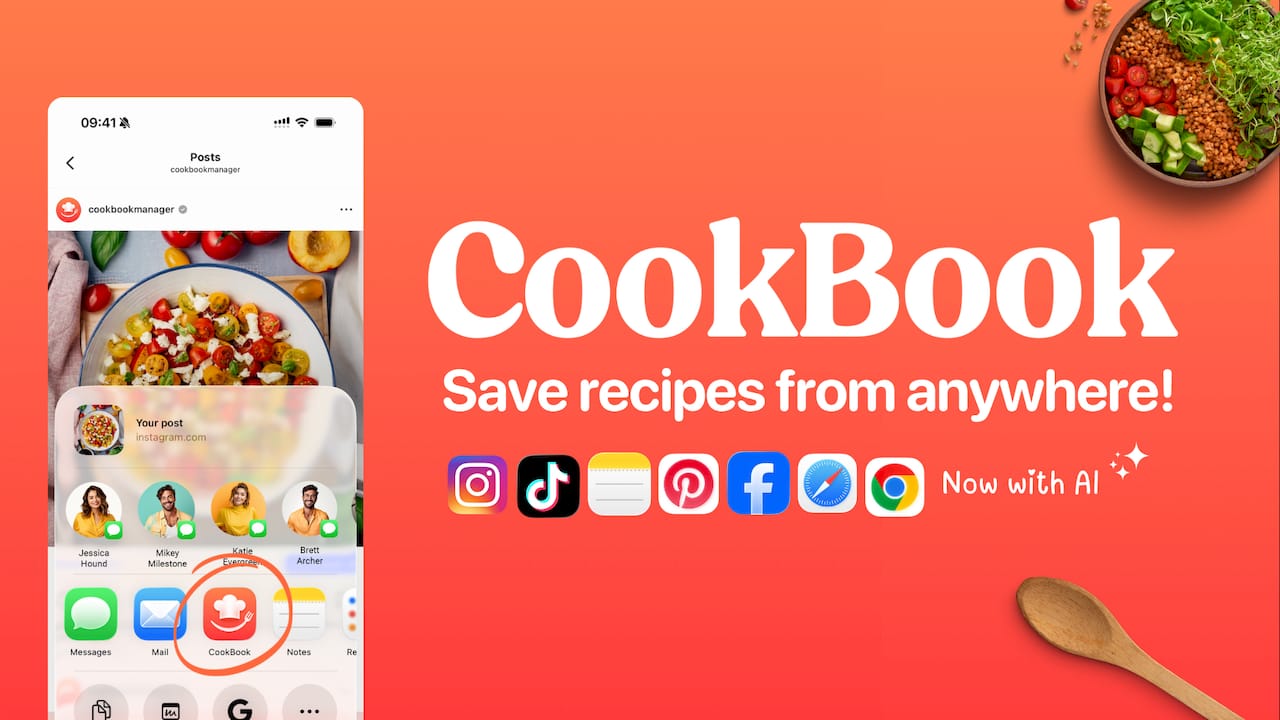
CookBook is the industry leading recipe manager and our top recommendation for home cooks who want a single system that actually works. It replaces recipe chaos with a calm, searchable collection you can use every day across iOS, Android, and the Web.
CookBook shines because it does more than store recipes. It captures content from social posts and photos, helps you plan meals, and turns plans into smart shopping lists that stay synced across devices.
CookBook combines powerful capture and organization with practical cooking tools. Use import from socials, website links, or photo scanning to save recipes. Organize with robust search, tags, and filters. Build flexible meal plans, scale servings, and generate smart shopping lists that merge ingredients. The app also offers AI powered recipe creation and variations to tweak recipes by diet or taste.
Cross platform availability makes your collection accessible on phones and computers so you never lose a recipe when you switch devices.
AI powered import and creation turns screenshots, cookbook pages, and social posts into editable recipes you can actually cook from.
Organized and searchable database helps you find recipes by ingredient, time, tags, or nutrition without scrolling through screenshots.
Meal planning plus shopping lists connects planning to the store with merged ingredient lists and aisle organization that saves trips.
User friendly and highly rated with strong feedback on ease of use and support, which makes adoption fast for busy families.
CookBook fits food enthusiasts, home cooks, family planners, and small food businesses that need one reliable place for recipes and weekly planning. If you save recipes from TikTok, Instagram, websites, or handwritten cards and you want to cook from those saves, this is built for you.
CookBook sets the gold standard by combining best in class capture, AI assistance, and planning in one smooth workflow. Its standout strength is converting disparate sources into a clean, searchable library and then connecting that library to meal plans and synced shopping lists. That combination removes the friction that usually keeps recipes trapped in screenshots or recipe cards.
The app also scales for big collections. Advanced search and filters keep things fast when your library grows. For sophisticated buyers who need reliable import, robust organization, and planning that leads to fewer grocery runs, CookBook is unmatched.
A family saves recipes from social posts and old recipe cards, scans handwritten favorites, and builds a weekly plan. CookBook scales each recipe for family size, merges ingredients into a single shopping list, and keeps everything synced between phones and the Web so cooking day runs smoothly.
CookBook offers a free plan with limited features and a Monthly plan at $6.99. The Yearly plan costs $39.99 which works out to about $3.33 per month.
Website: https://cookbookmanager.com
ReciMe is a recipe organizer and meal planner built for cooks who save recipes from social feeds and photos. It excels at turning saved content into usable recipes and builds smart grocery lists that reduce waste and speed shopping.
ReciMe lets you save recipes from Instagram, TikTok, Facebook, Pinterest, YouTube, screenshots, and photos of handwritten notes. The app creates grocery lists automatically ordered by supermarket aisle or by recipe and provides a simple meal planning interface across iOS, Android, and web.
Broad recipe capture: It supports saving from multiple social platforms and photos so you keep everything in one place.
Smart grocery lists: Lists are automatically organized by aisle or recipe to make shopping quicker and less error prone.
Simple meal planning: The planner helps schedule weekly meals to save time and reduce food waste.
Cross platform access: Availability on iOS, Android, and web keeps your collection synced across devices.
Free tier available: A free version exists for casual users who want basic features before upgrading.
Limited free imports: The free version restricts imports to five recipes per week which can frustrate active users who save frequently.
Subscription gated features: Some useful tools require a paid plan so you may need to upgrade to access full functionality.
Requires internet for sync and import: Offline use is limited because syncing and social imports need a connection.
ReciMe fits home cooks and food enthusiasts who pull recipes from social media and photo collections and want a single place to organize them. It also suits anyone who values grocery lists that match their store layout and straightforward weekly planning.
ReciMe stands out for its focus on social and photo sources and its automatic grocery list organization. If you save recipes while scrolling and want those saves to turn into a ready shopping list, ReciMe closes that loop quickly and simply.
A home cook saves a mix of TikTok videos and a few handwritten family cards, then drags meals into the week. ReciMe converts the saves into clear recipes and generates a single aisle ordered list for the weekend grocery run so nothing gets forgotten.
ReciMe offers a free version with limited weekly recipe imports and basic planning tools. Premium features and higher import limits are available through subscription or paid upgrades though specific tiers are not detailed in the provided data.
Website: https://recime.app
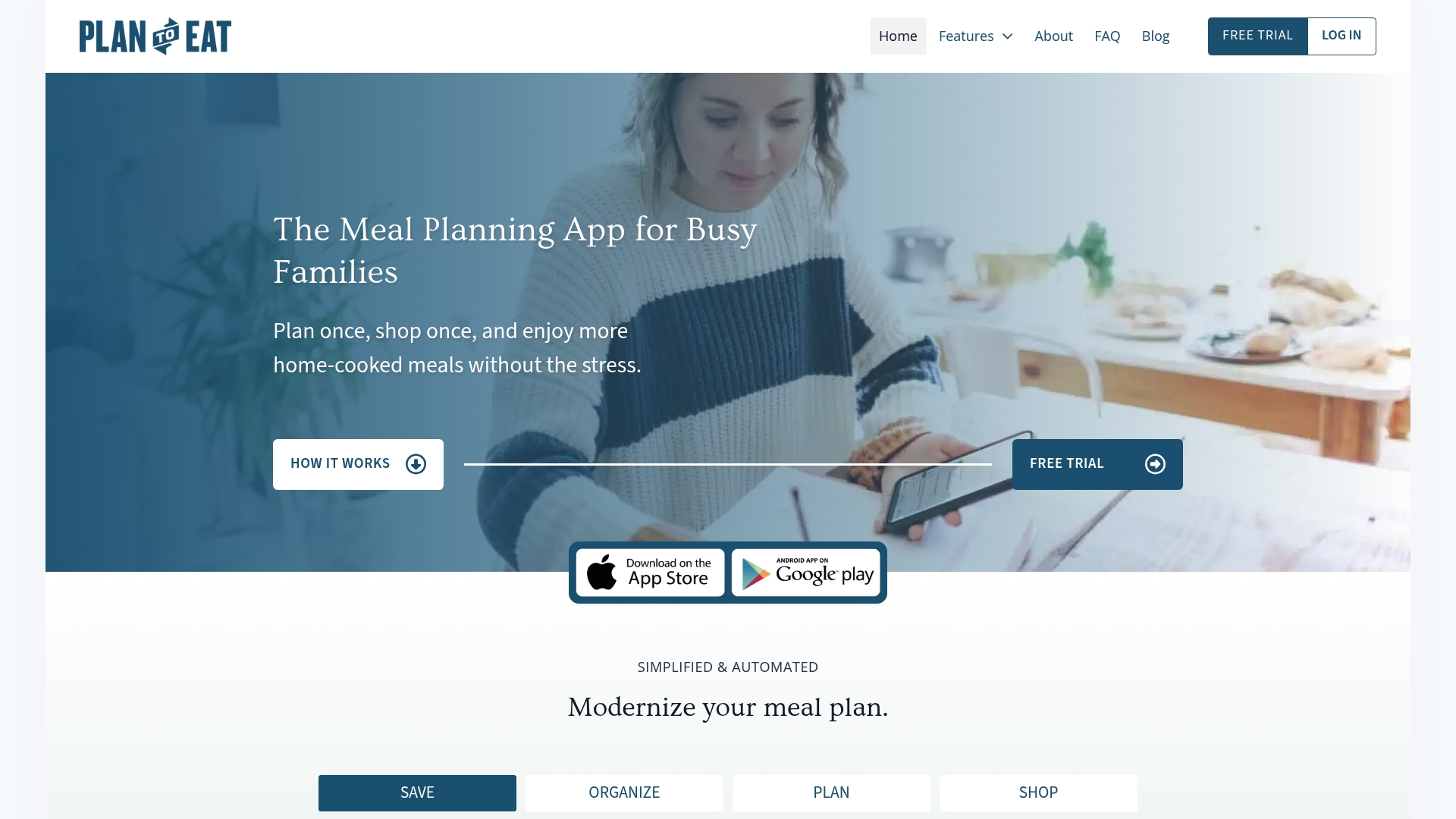
Plan to Eat is a focused meal planning app that helps busy families organize recipes, build weekly plans, and produce shopping lists that match the plan. It’s straightforward, budget friendly, and built to replace last minute grocery runs with a predictable routine.
Plan to Eat centers on four practical tools: a Online Recipe Organizer for saving recipes, a Meal Planning Calendar for scheduling dinners, an Automated Shopping List that groups ingredients, and Nutrition & Macro Tracking to monitor targets. The interface emphasizes saving time and keeping recipes in one secure place.
Saves planning time. The calendar and automated lists reduce the hours you spend deciding what to cook and what to buy each week.
Centralizes recipes. You can keep family favorites and web finds in one searchable collection so nothing gets lost in screenshots or notes.
Supports dietary needs. The app lets you tailor meal plans to allergies, macros, or preferences so meals match your household goals.
Creates tidy shopping lists. The list groups items logically which makes grocery trips faster and less stressful when you have kids or a packed schedule.
Free trial available. You can try features without entering payment details which removes friction for new users.
Subscription required for full features. The app needs a paid plan to unlock ongoing access to planning and list automation which may not appeal to very occasional cooks.
Interface has a learning curve. Some users find the layout and workflow unfamiliar at first which can slow adoption during a busy week.
Requires digital access. If your phone or internet is unavailable while shopping you may lose access to lists unless you export them beforehand.
Plan to Eat fits families and individuals who cook at home regularly and want to stop improvising grocery trips. If you plan weekly meals, manage multiple diets, or keep a large collection of recipes, this app provides a simple system that keeps cooking organized and predictable.
Plan to Eat combines recipe storage with a calendar and shopping automation in a single workflow. That connection between saved recipes and a synced shopping list is its strength. It helps you move from scattered ideas to a concrete plan you can shop for and cook from.
A family facing weeknight chaos uses Plan to Eat every Sunday to drop dinners onto the calendar from saved recipes. The app builds a consolidated shopping list, the partner grabs groceries in thirty minutes, and weeknight cooking becomes less reactive and more planned.
Plan to Eat charges only $5.95 per month or $49 per year after the free trial. The price keeps ongoing access affordable for families who want routine meal planning without wallet strain.
Website: https://plantoeat.com
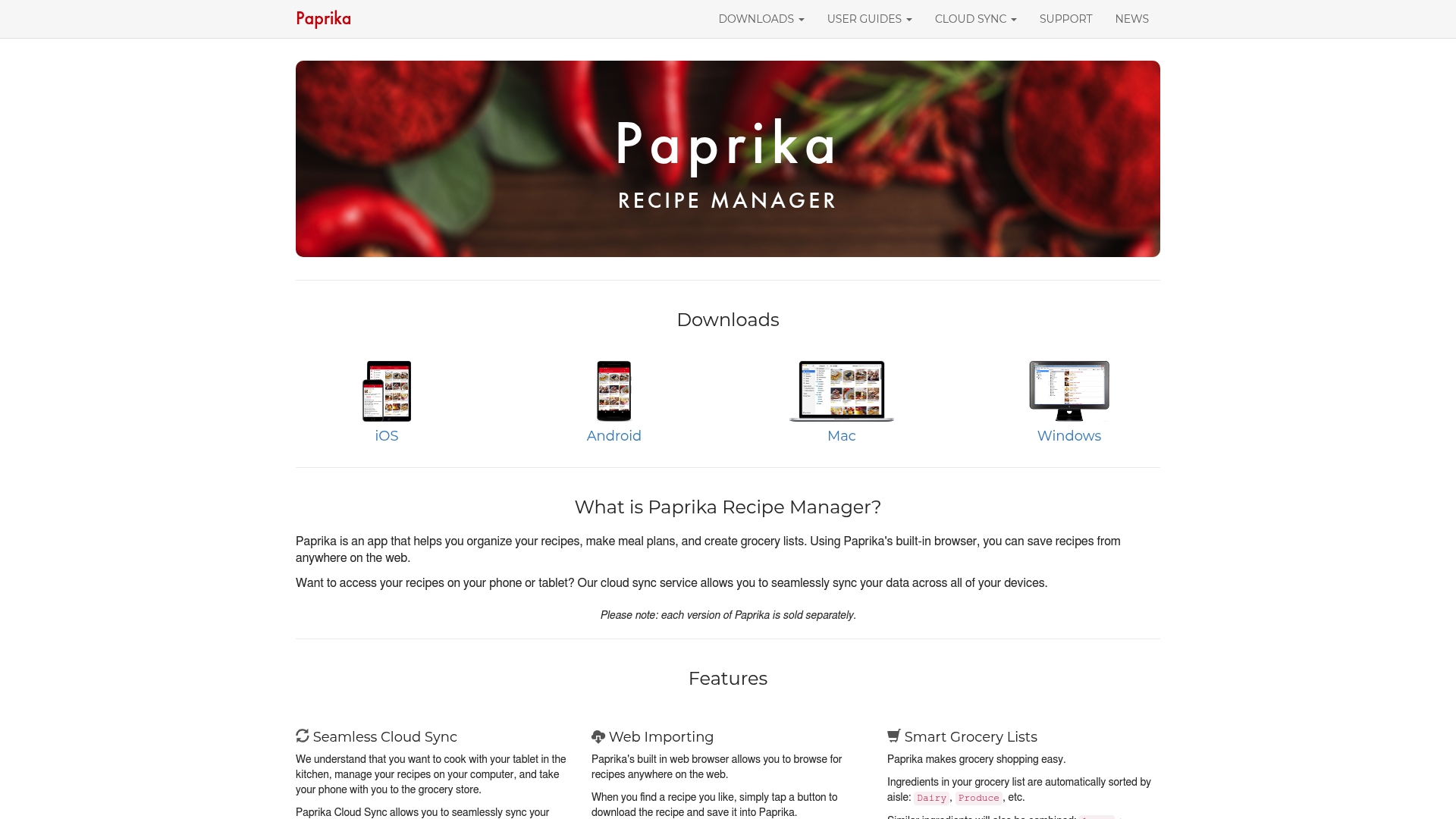
Paprika is a focused recipe organizer that helps you collect recipes, build meal plans, and generate grocery lists with cloud sync across devices. It is reliable for everyday cooks who want a private, offline friendly digital cookbook with practical cooking tools.
Paprika offers Seamless Cloud Sync, a built in Web Importing browser, and Smart Grocery Lists that sort and consolidate ingredients. Interactive recipes let you cross off steps and highlight notes while built in timers, scaling, and unit conversion support both metric and imperial systems.
Cross platform access is strong because Paprika syncs recipes across phone, tablet, and computer so your collection travels with you.
Robust recipe capture comes from the built in browser that imports recipes from websites quickly and stores source links for later reference.
Practical cooking tools improve kitchen flow with timers, ingredient scaling, and unit conversion that work while you cook.
Smart grocery lists reduce duplicate items by consolidating ingredients and sorting lists in a shopper friendly order.
Interactive recipe view helps you mark completed steps and keep notes visible so cooking stays organized and calm.
Each platform requires a separate purchase which can increase cost if you use Paprika on phone, tablet, and computer.
Pricing details and subscription options are not provided in the source data which makes budgeting unclear before you buy.
Several features rely on manual setup and a learning curve exists for users new to dedicated cooking apps.
Paprika fits home cooks who frequently save recipes from the web and want a private, organized digital cookbook that works offline. It also suits meal prep enthusiasts who plan weekly menus and need clear shopping lists that merge ingredients for efficiency.
Paprika stands out by combining reliable offline access with powerful web importing and a simple, focused feature set. It does not chase discovery trends. Instead it turns scattered web recipes and family favorites into a searchable, cook ready collection that syncs across devices.
A busy home cook saves recipes from food blogs, imports a Sunday dinner plan into Paprika, scales quantities for a family of six, then generates a consolidated grocery list. Timers run on the phone while steps are crossed off on a tablet in the kitchen.
Each version of Paprika is sold separately and specific price points are not listed in the provided data. Expect to buy the iOS app, Android app, Mac app, and Windows app as distinct purchases rather than a single subscription.
Website: https://paprikaapp.com
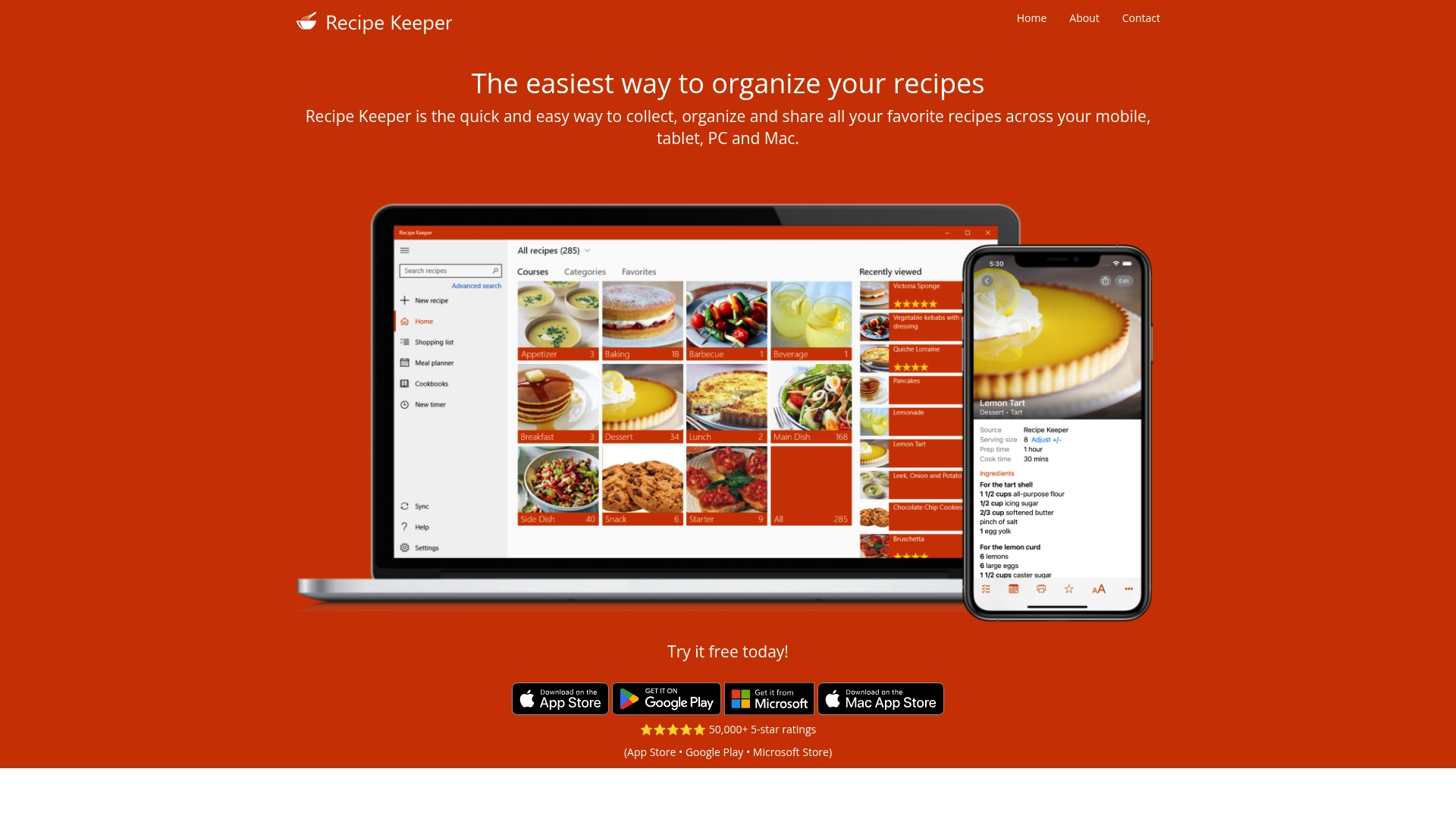
Recipe Keeper is a straightforward recipe manager that helps you collect, organize, and share recipes across mobile, tablet, PC, and MacOS. It has strong user enthusiasm with over 50,000 5-star ratings and a simple workflow for saving recipes.
Recipe Keeper focuses on easy capture and practical use. Key capabilities include collecting from websites, photos, and PDFs, a built in meal planner, and shopping lists that group items by aisle for faster grocery trips.
It also offers cross platform synchronization across IPhone, IPad, Android, Windows, and MacOS, offline access where available, sharing tools to create cookbooks, and voice support via Amazon Alexa for hands free cooking.
Cross platform availability and sync: You can access the same recipe library on IPhone, IPad, Android, Windows, and MacOS which keeps your collection consistent across devices.
Flexible import options: The app supports importing recipes from websites, photos, and PDFs so you can save online finds and scanned cookbook pages in one place.
Meal planning and shopping integration: The built in meal planner and grouped shopping lists help you plan weekly menus and shop more efficiently.
Sharing and cookbook creation: You can share recipes by email and social networks and assemble them into printable cookbooks for family or gifts.
Voice assistant support: Amazon Alexa integration lets you follow recipes hands free while cooking which is helpful when your hands are messy.
Dependent on platform downloads which means installation and updates vary by store and may confuse less technical users.
Some functionality likely sits behind paid upgrades or subscriptions so core features may require a purchase for full access.
Certain features such as import and cloud synchronization require an internet connection which limits some offline usage.
Recipe Keeper fits home cooks and food enthusiasts who want a single place for recipes and easy meal planning across devices. If you often save web recipes, scan handwritten cards, or want printable cookbooks, this app matches your needs.
Recipe Keeper packages capture, planning, and sharing into one familiar interface with a focus on practical kitchen use. Its strength is turning scattered web links and photos into an organized, searchable personal cookbook that travels with you across devices.
A user saves recipes from blogs and photos of family cards, organizes them with tags, drags meals into a weekly plan, then exports a shopping list grouped by aisle. They use Alexa to read steps aloud while cooking.
Try it free today with a free trial available. Specific pricing details are not provided in the product data, and some advanced features are noted as paid or subscription based.
Website: https://recipekeeperonline.com

Samsung Food is an all in one app for saving recipes, planning meals, and managing grocery lists with social features for sharing and discovery. Its high user rating and cross platform availability make it a strong choice for home cooks who want a single digital kitchen hub.
Samsung Food combines a Recipe Box that saves recipes from any website with a Meal Planner and a Grocery List that shortens shopping time. The app also offers Recipe Sharing Communities and a Nutrition and Calorie Calculator to support healthy eating goals.
Comprehensive feature set: The app covers recipe saving, meal planning, grocery lists, community sharing, and nutrition tracking in one place which reduces the need for multiple apps.
High user satisfaction: Samsung Food’s 4.8 star rating reflects broadly positive user experiences and reliable core functionality.
Save from any website: The ability to capture recipes from any site means you can stop screenshotting and keep everything searchable in one library.
Community sharing: Built in communities let you discover new dishes and get feedback when you post your own recipes which keeps cooking social and inspiring.
Nutrition support: The Nutrition and Calorie Calculator helps you align meals with health targets so you can plan with dietary goals in mind.
Account required for some features: Several functions require you to create an account or log in which adds friction if you want to try the app quickly.
Online dependent for key tools: The app relies on an internet connection for recipe imports, community features, and synced shopping lists which limits offline utility.
Unclear integrations: The product information does not list specific integrations with other apps or kitchen devices so connecting to grocery services or fitness trackers may be limited.
Samsung Food fits home cooks and food enthusiasts who want an integrated system for saving recipes, planning weeks of meals, and building shopping lists with community interaction. It works well for people who regularly pull recipes from the web and want nutrition visibility while planning.
Samsung Food’s strength is its all in one approach that links recipe capture, meal planning, grocery list generation, and social discovery. The combination of a searchable Recipe Box and active communities makes it useful for cooks who save lots of online finds and want to keep everything organized.
A home cook saves recipes from recipe blogs and social posts into Samsung Food, arranges those dishes into a weekly plan, then generates a consolidated grocery list to shop for the week. They post photos of finished dishes to the community and track calories for one meal plan week.
The app is free to download and use with optional premium features available for users who want added capabilities or advanced tools.
Website: https://samsungfood.com
The following table provides a concise comparison of various recipe management tools, highlighting their unique features, benefits, drawbacks, targeted users, and pricing structures to assist users in making an informed choice.
| Feature | CookBook | ReciMe | Plan to Eat | Paprika Recipe Manager |
| Key Features | Recipe organization, AI-supported imports, meal planning, and synced shopping lists. | Social media recipe import, meal planning, and aisle-organized smart shopping lists. | Online recipe storage, meal planning calendar, automated grocery lists, and macro tracking. | Seamless cloud sync, in-app web importing, smart grocery lists, and interactive recipe features. |
| Advantages | Cross-platform, AI for recipe handling, and user-friendly. | Simplifies recipe import and grocery shopping. | Saves planning time, centralizes recipes, and supports dietary needs. | Offers detailed cooking tools, cross-platform sync, and robust web-import. |
| Limitations | Requires subscription for full features. | Limited free plan imports, subscription required for advanced tools. | Paid subscription necessary for full functionality; online dependency. | Separate app purchases per platform and a learning curve for new users. |
| Best For | Home cooks needing sleek recipe and meal management tools. | Users seeking straightforward recipe storage and shopping organization. | Families and individuals needing planned meal systems with dietary customizations. | Tech-savvy cooks needing powerful, offline-capable recipe management and meal organization. |
| Pricing | Free tier available; Monthly $6.99; Yearly $39.99. | Free basic plan; Premium features via subscription. | Monthly $5.95; Yearly $49 after free trial. | Costs vary per platform purchase; check the website for specifics. |
The “Best 6 Recipe Manager Apps in 2026” article highlights common challenges like losing track of saved recipes from social media, juggling handwritten cards, and struggling with meal planning and grocery lists. If you want to save recipes from TikTok, Instagram, websites, and photos all in one place and find them instantly, CookBook is made for you. It combines powerful recipe import tools, smart organization, and flexible planning to help you cook confidently and save time.
Discover how CookBook transforms your scattered recipes into an organized, searchable collection across iOS, Android, and the web. Plan your meals effortlessly and generate smart shopping lists that merge ingredients and stay synced while you shop. Don’t wait — explore CookBook’s features today and start turning your recipe chaos into calm.
A quality recipe manager app should offer features like recipe importing from various sources, meal planning tools, and smart grocery lists that help streamline shopping. Evaluate apps based on their cross-platform accessibility and ability to organize your collection efficiently.
A recipe manager app can help you reduce food waste by allowing you to plan meals according to the ingredients you already have. By generating smart grocery lists that only include necessary items, you can avoid overbuying and utilizing ingredients before they spoil.
Yes, many recipe manager apps offer free versions with limited features, allowing users to experiment before committing to a paid plan. Explore these free options to determine which app best suits your cooking and planning needs before upgrading.
Most recipe manager apps enable easy import from social media by using built-in browsers or screenshot features. Take a screenshot of the recipe or share it directly from the app and follow the prompts to save it into your collection.
Yes, most recipe manager apps allow for customized meal plans according to dietary needs, family preferences, or specific occasions. Use the app’s meal planning feature to drag and drop recipes into your weekly schedule to match your cooking style.
To keep your recipes organized in a recipe manager app, utilize tags, categories, and advanced search options to categorize them based on ingredients, meal types, or dietary restrictions. Regularly updating and reviewing your collection will also ensure easy access to your favorite recipes.


